Where Is the Pound Key on Your Phone? the Simple Symbol Everyone Mistypes
 By David Miller
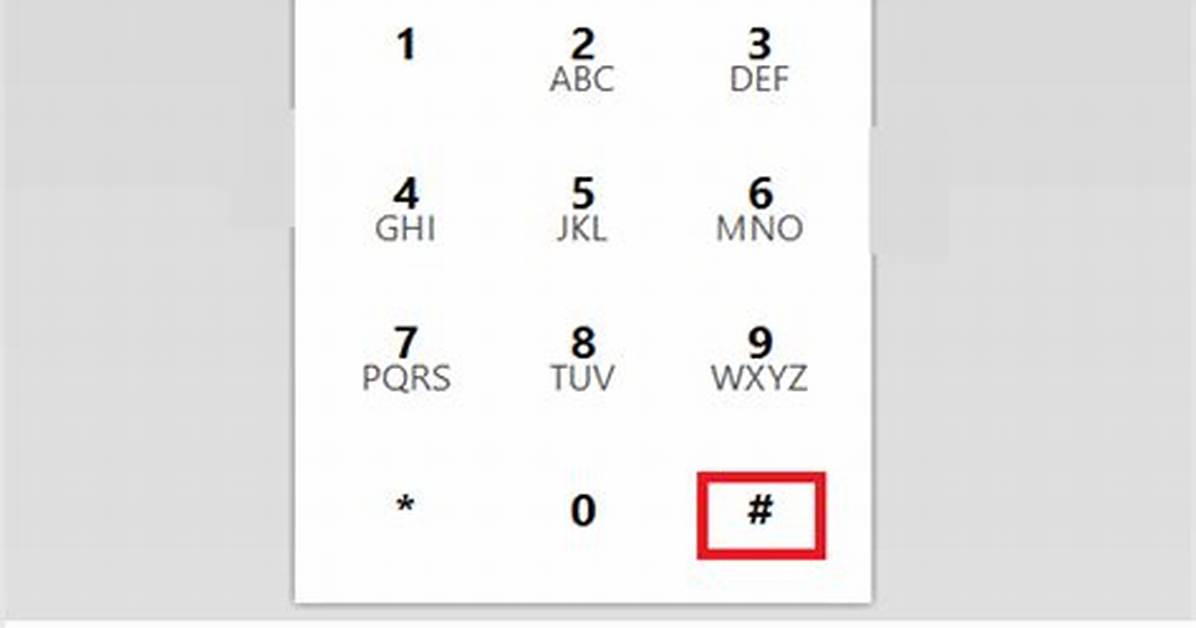
Dialing into recurring bridge numbers or retrieval systems manually introduces human error. Typing an eight-digit access code followed by the pound key while driving or switching apps often leads to mistyped digits and dropped lines. Both major mobile operating systems incorporate hidden syntax tools that allow you to automate the entire string within a contact card or dialer bookmark.
To program an automated sequence on an iPhone dialer keypad, open your contact entry and tap the numerical dial pad. Type the primary corporate phone number, then hold down the asterisk (*) button until it transforms into a single comma (,). In telecommunication protocols, a single comma represents a hard two-second pause. Insert your bridge access code directly after the comma, and place the # symbol at the very end.
For systems that require waiting until a spoken prompt completes before processing data, hold down the pound key (#) in your phone's contact editor until it inserts a semicolon (;). A semicolon instructs your device to hold the dialed sequence until you tap a distinct on-screen "Dial" prompt. By storing a contact string as 1-800-555-0199,123456#, your smartphone dials the host, pauses two seconds for line pickup, punches your conference call PIN, and hits the pound key automatically.
David Miller brings 15 years of experience in global economics, personal finance strategy, and market dynamics. He specializes in turning complex economic trends into actionable insights for everyday readers.
