Moza Pit House Software Walkthrough: Ui Features, Curves, and Presets Tested
 By Sophia Al-Mansoor
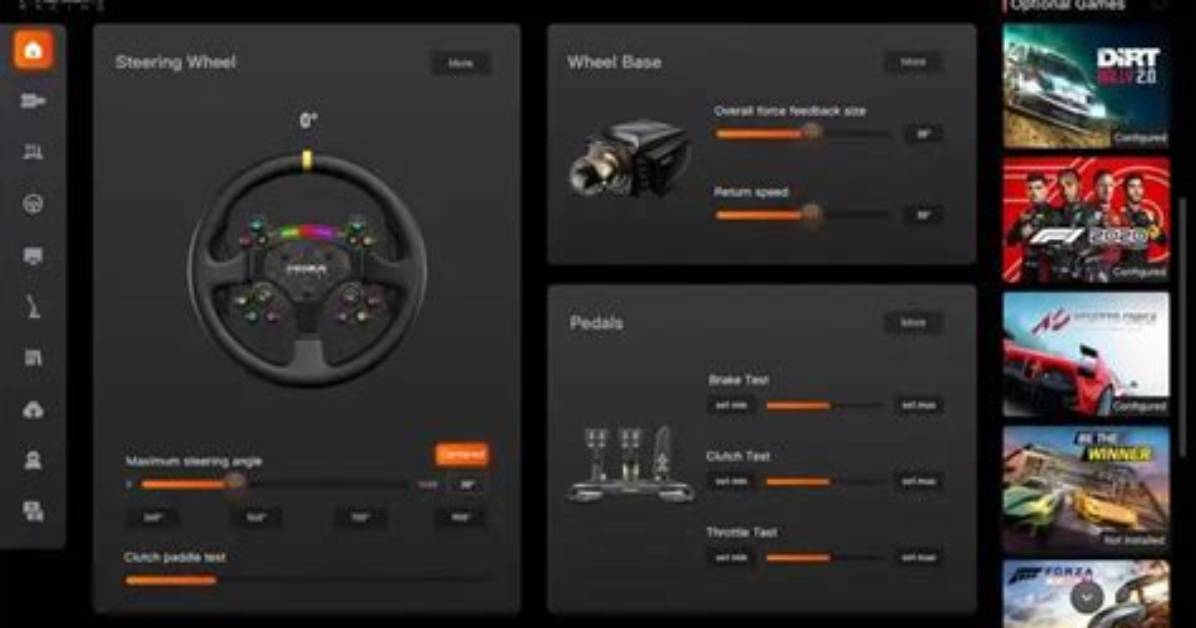
Direct drive wheelbases translate raw game physics into rotational torque, but unfiltered motor output often overloads a driver’s wrists with harsh noise. Pit House targets this issue through an onboard force feedback equalizer, segmenting telemetry feeds into distinct hertz frequencies. Drivers can boost 10 Hz to 20 Hz oscillations to accentuate subtle tire slip while suppressing 40 Hz to 50 Hz frequencies that create harsh, mechanical chatter over saw-tooth rumble strips.
The software splits motor response controls between basic presets and professional-grade physics overrides. Speed-dependent damping forms the core of high-speed stability management. By dynamically scaling damping resistance as in-game velocity climbs, the motor counteracts dangerous high-speed tank-slappers down long straights without muting low-speed hairpin agility.
Mechanical friction and inertia compensation settings provide the final layer of fine-tuning. Adding 5% to 8% mechanical friction eliminates free-spinning looseness around center-line transitions, while inertia settings calculate the physical weight of mounted wheels like the Porsche Mission R rim. This dynamic adjustment prevents the motor from overshooting target angles when a driver catches an abrupt snap of oversteer.
Sophia analyzes international trade, startup ecosystems, retail transformation, and supply chain logistics for modern digital publications.
