Why Doesn't Your Macbook Have a Right Click? the Quick Fix Most Switchers Miss
 By Sarah Jenkins
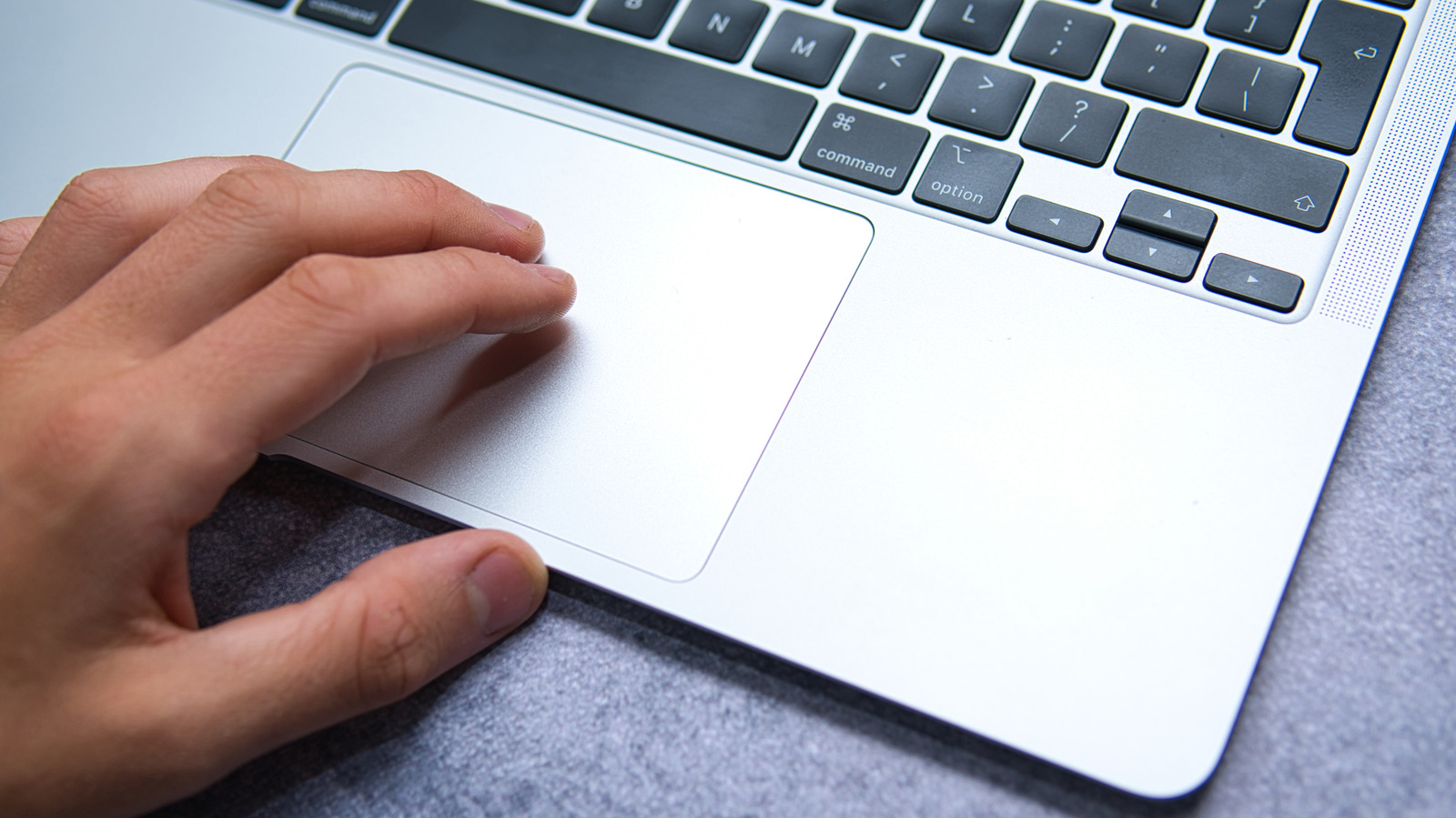
For most daily tasks, the standard Apple gesture is faster than aiming for a specific corner of the pad. By default, macOS binds the secondary click to a two-finger interaction:
- Rest two fingertips lightly alongside each other on the trackpad.
- Press down until you feel the haptic pulse, or tap gently if "Tap to click" is toggled on.
- The contextual menu appears directly beneath the mouse pointer.
This gesture works across the entire surface area. You can trigger it in the top-left quadrant just as easily as the bottom edge. For anyone editing text in Pages, opening background tabs in Safari, or renaming media files in Finder, this input eliminates unnecessary wrist travel.
Sarah Jenkins is a veteran tech journalist with over 12 years of experience covering artificial intelligence, mobile innovations, and digital ethics. Her insights have appeared in leading technology publications worldwide.
Tags:
how to right click on a macbook
