The Sims 4 T. O. O. L. Mod Masterclass: How to Install, Move Objects off-Lot, and Fix Bugs
 By Marcus Vance
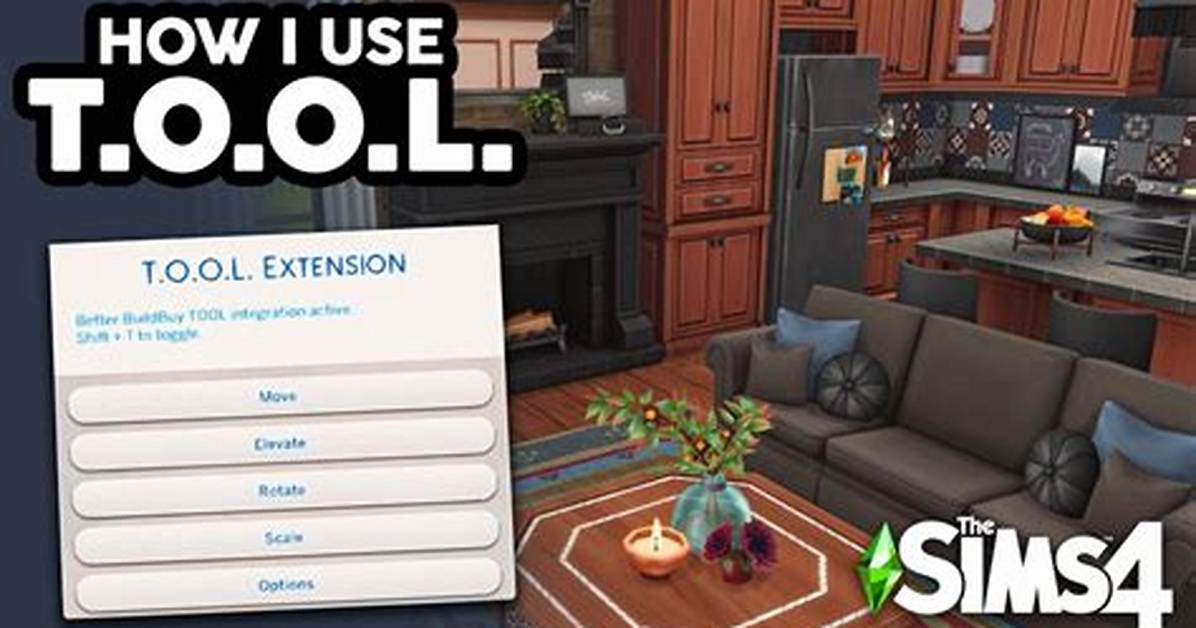
Vanilla The Sims 4 binds items to a rigid 2D lot grid, offering only primitive elevation controls through keyboard hotkeys like `9` and `0`. T.O.O.L. alters this framework by reading and editing the exact XYZ coordinates, pitch, roll, and yaw values of any placed object in the world. Written by prominent modder TwistedMexi, the utility essentially injects an external editing interface straight into Live Mode and Build Mode.
This degree of freedom changes world editing from a flat staging area into an open canvas. You can pick up a decorative street lamp, carry it past the lot perimeter, and embed it into a municipal sidewalk across the street. The engine treats off-lot items as persistent world props rather than active lot inventory.
Pairing T.O.O.L. with TwistedMexi’s companion mod, Better BuildBuy, expands this workflow even further. Better BuildBuy integrates the T.O.O.L. interface directly into standard Build Mode, removing the historical requirement to jump back and forth into Live Mode to activate coordinate commands.
Marcus Vance is a cybersecurity auditor and technology writer dedicated to educating the public about online safety, data privacy regulations, enterprise security, and emerging cyber threats.
