The Secret World of Valorant Potato Graphics: Huge Fps Boost or Dangerous Ban Risk?
 By Robert Thorne
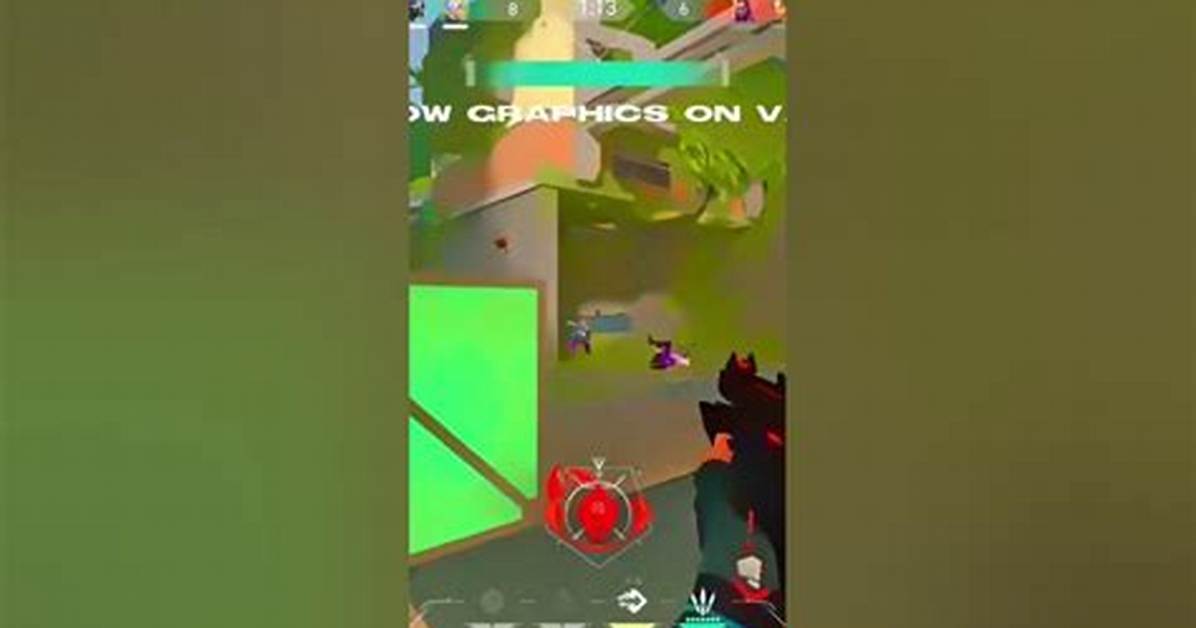
The first line of defense for low-end PC optimization sits inside Valorant's configuration directories. Deep within the user application data lies GameUserSettings.ini, an editable text document storing engine-level rendering variables that go beyond the basic toggles available in the client’s graphical interface.
Within this configuration file, players can manually lower sg.ResolutionQuality below the standard in-game slider minimums, dropping the internal render resolution scaling to 70%, 50%, or even lower while keeping UI elements crisp at native monitor resolutions. Accompanying variables dictate material and texture quality, shadow resolution, and post-processing passes:
sg.ViewDistanceQuality=0minimizes non-essential background geometry rendering.sg.AntiAliasingQuality=0disables temporal smoothing to eliminate blur at the cost of jagged edges.sg.ShadowQuality=0strips dynamic lighting passes, saving precious video memory bandwidth.sg.PostProcessQuality=0eliminates blooming and screen-space atmospheric effects.sg.TextureQuality=0forces low-resolution surface mipmaps across all map assets.
Adjusting these settings directly in text format gives players fine-grained control without modifying encrypted game executables. When combined with turning off ambient occlusion, bloom, and distortion inside the game client, the map architecture flattens into clean, low-fidelity geometric shapes. The visual result resembles a vintage 1990s title, but the engine sheds massive amounts of pixel-shading overhead.
Robert Thorne covers electric vehicle innovations, autonomous driving systems, global mobility trends, and automotive engineering developments.
