The Dark Reality Behind 'Unblocked Rainbow Six Siege' Sites Exposing Student Accounts
 By Alexander Ross
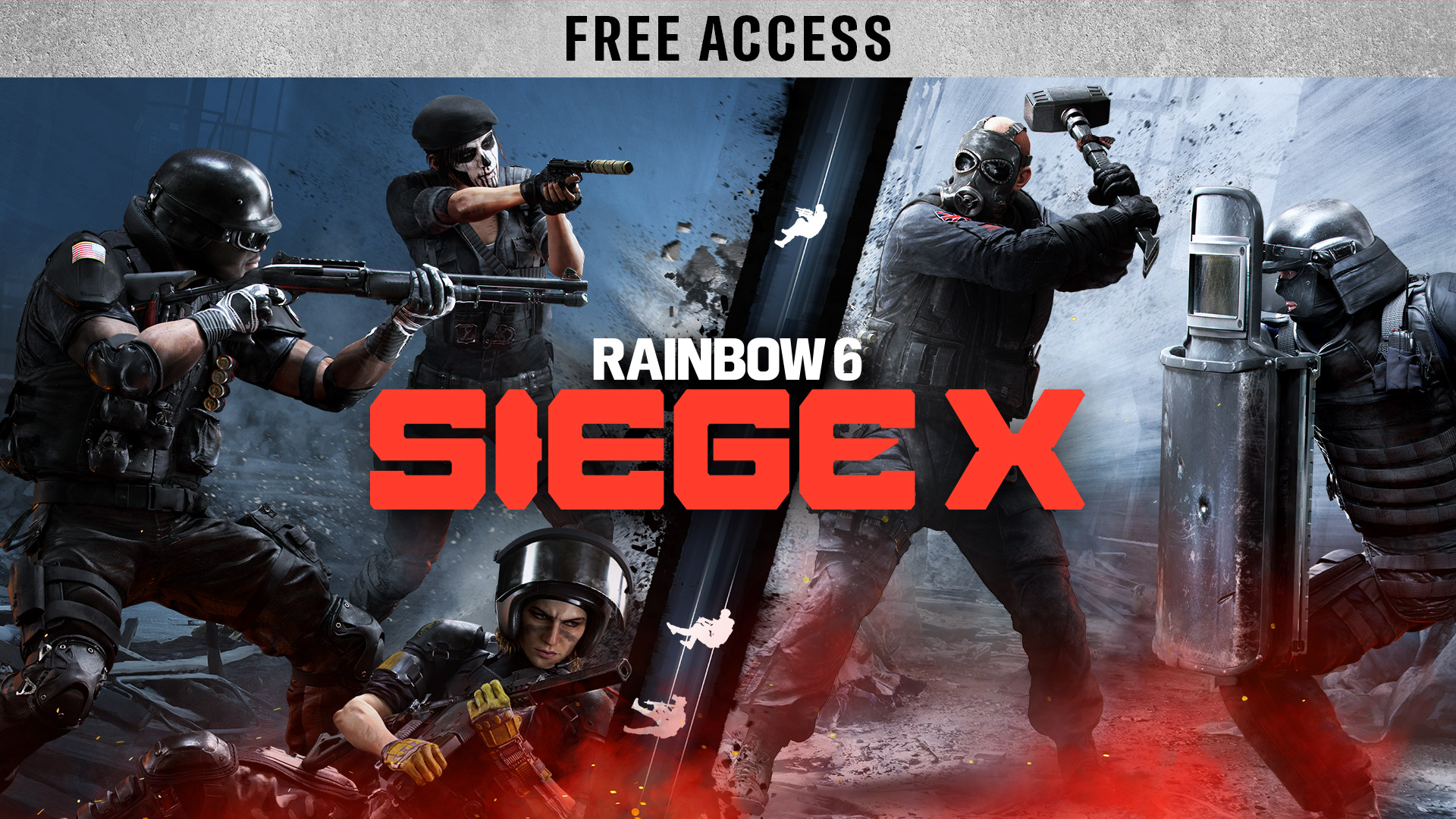
Players seeking tactical gameplay without running foul of device limits or malware traps have reliable options through cloud gaming alternatives. The only functional method for running Rainbow Six Siege on an underpowered machine or managed system is remote interactive video streaming.
GeForce NOW streaming allows users to connect their verified digital storefront profiles directly to NVIDIA enterprise servers. The remote server handles rendering, anti-cheat validation, and matchmaking, delivering an ultra-low-latency H.264 or AV1 video feed directly to the local Chrome browser tab.
+---------------------+ HTTPS / TLS 1.3 +------------------------+
+---------------------+ Interactive Stream +------------------------+
||
Direct Low-Latency
Dedicated Fiber
||
\/
+------------------------+
| Ubisoft Siege Servers |
|---|
| (BattlEye Validated) |
+------------------------+
To configure this pathway safely:
- Avoid unauthorized, repackaged APK files or modified browser extensions.
- Access the service strictly through the official `play.geforcenow.com` web client.
- Link an existing Ubisoft account that holds an active game license acquired via Steam, the Epic Games Store, or the Ubisoft Store.
- Verify that the local network permits WebRTC streaming. If an educational firewall restricts WebRTC protocols, the stream will fail to initialize, but the user's account credentials remain securely protected behind official OAuth handshakes.
Alexander Ross has covered the video game industry for a decade, writing deep dives on game design, esports tournaments, VR developments, and gaming culture.
