The Complete Milesdown Anki Deck Guide: Setup, Best Settings, and Daily Workflow
 By James H. Sterling
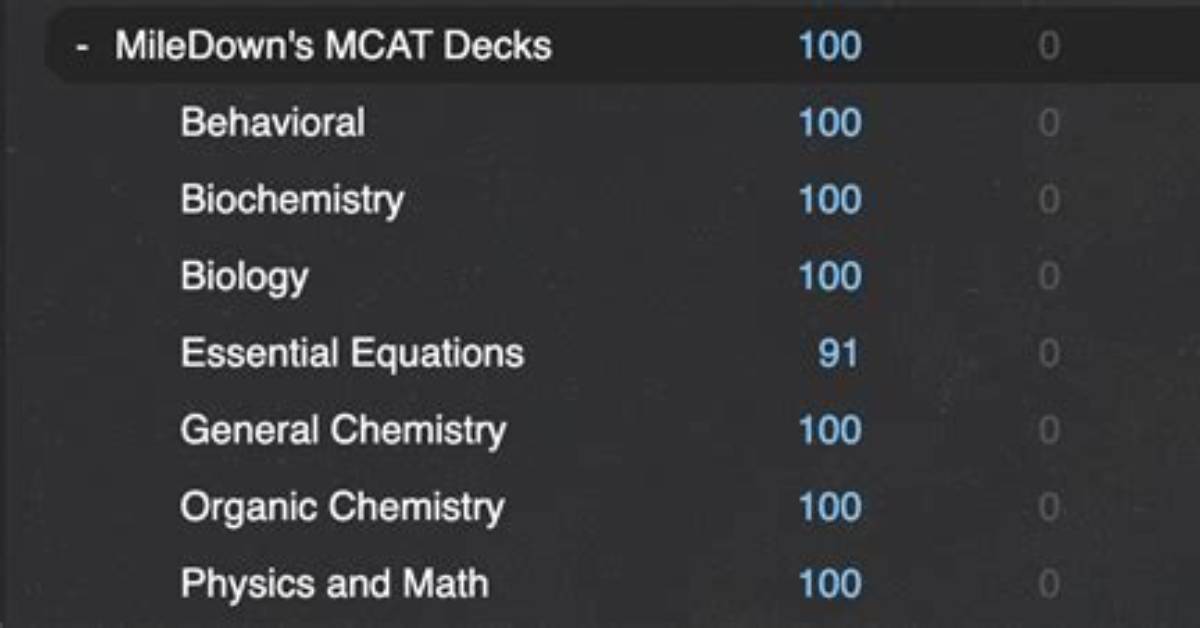
The single most destructive mistake a student can make is downloading the deck and immediately clicking "Study Now" with all 2,888 cards enabled. This exposes you to random physics equations and endocrine pathways before you have laid the conceptual groundwork. The proper method relies on active suspension.
Upon importing the deck, open the Anki Card Browser, select the entire collection using the hotkey shortcut, and click "Toggle Suspend." This deactivates every card, turning the background yellow. Your active queue is now zero.
Build your daily routine around a sequential workflow. If today's calendar calls for reading Kaplan Biochemistry Chapter 2 (Enzymes), complete the text reading and take notes first. Then return to the Anki Browser. Filter the deck using tags such as #Kaplan::Biochemistry::Ch02 or search the keyword Enzymes within the MilesDown sub-deck. Select those specific 30 to 50 cards and unsuspend them.
By shifting cards into your active rotation only after contextual study, memory consolidation occurs immediately. The same approach applies directly to the psychology and sociology section. When studying sensory processing from the Khan Academy 300 page doc, unsuspend the matching visual and auditory system cards on the same afternoon. You eliminate cold memorization, anchoring memory prompts to the larger concepts you just studied.
James Sterling reports on renewable energy developments, climate policy, ecological conservation, and green tech innovations around the globe.
