The Complete Formatting Blueprint: Double Spacing in Word for Apa 7, Mla 9, and Chicago Style
 By Sophia Al-Mansoor
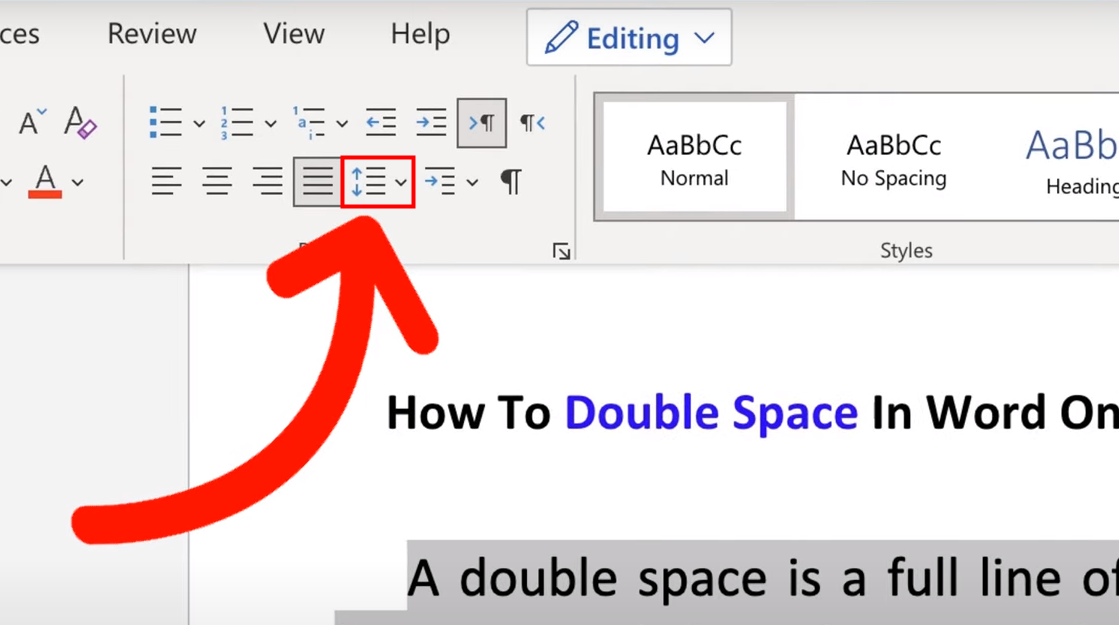
Q1: Why does my text look triple-spaced even though I selected 2.0?
A: Your document is likely suffering from stacked spacing. In addition to the 2.0 line height setting, Word is adding an 8-point or 10-point margin after every line break. Open the Paragraph dialog box and set the After spacing value directly to 0 pt to fix the gap.
Q2: How do I apply a hanging indent alongside double spacing for my references?
A: Highlight your reference entries, open the Paragraph dialog box, find the Indentation section, select Hanging under the Special dropdown menu, and confirm it is set to 0.5". Ensure Line spacing is set to Double with 0 pt before and after.
Q3: Does changing the Normal template alter my existing Word documents?
A: No. Modifying the Normal template only alters newly created documents going forward. Documents you have already saved preserve their existing styling choices unless you manually open and reformat them.
Sophia analyzes international trade, startup ecosystems, retail transformation, and supply chain logistics for modern digital publications.
