Tested: How to Transfer Playlists Between Spotify and Soundcloud
 By Maya Lin-Takahashi
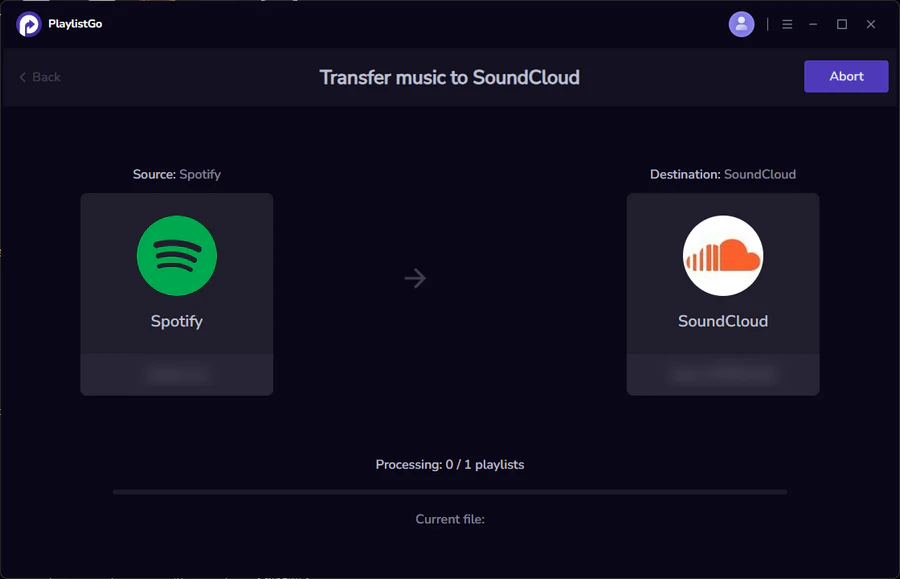
To assess practical reliability, we tested four primary utilities, Soundiiz, TuneMyMusic, SongShift, and FreeYourMusic, across three distinct 800-track playlists. The test batches included commercial pop releases, underground electronic dance club cuts, and independent bedroom-pop demos.
- Connect Platform Authorizations: Log into your migration service and authorize OAuth access to both your Spotify library sync profile and your SoundCloud account. Ensure permissions allow creating public or private playlists.
- Select Source and Destination: Choose Spotify as the source directory. Select the specific target playlists, saved albums, or liked tracks you want to move. Set SoundCloud as the destination target.
- Configure Matching Parameters: Premium tiers of Soundiiz and TuneMyMusic allow matching preferences based on duration tolerance (setting a maximum variance of 3, 5 seconds prevents pulling extended 12-minute DJ mixes instead of 3-minute radio edits).
- Initiate the Batch Transfer: Run the conversion process. Monitor real-time logs for unresolved entries or flagged tracks.
- Manual Reconciliation: Review unmatched records. Every service provides an error log showing tracks it could not locate or where confidence scores fell below 80%.
Throughout our testing, transfers completed within two to six minutes per 500 tracks, depending on API rate limits. Soundiiz and TuneMyMusic delivered the most reliable batch conversions, whereas FreeYourMusic required a local desktop client that ran slower but preserved custom playlist ordering.
Maya is a hardware enthusiast who tests and reviews smart home devices, smartphones, wearables, and audio gear. She focuses on practical consumer value and build quality.
