R6 vs R15 in Catalog Avatar Creator: Real Differences, Limits, and How to Switch
 By Marcus Vance
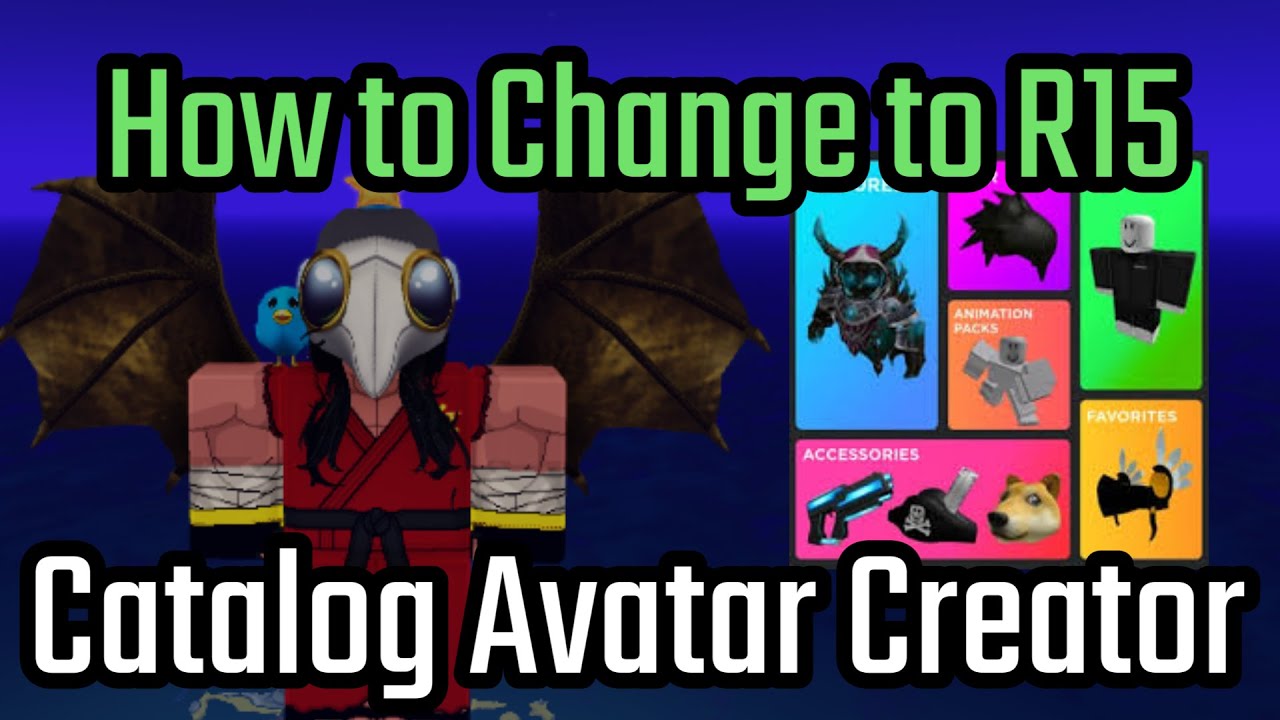
Roblox introduced the R15 rig in 2016 to modernize platform visuals. A decade later, the community remains divided. Classic players and competitive obstacle course (obby) enthusiasts defend R6 for its predictable physics, snappy momentum, and reliable collision hitboxes. In contrast, fashion designers, roleplay communities, and UGC creators build almost exclusively for R15, which supports advanced joint articulation and realistic movement.
Catalog Avatar Creator, developed by Munneb and sitting among Roblox's most visited utility experiences with billions of lifetime visits, caters to both demographics. Because millions of players import their existing Roblox profiles directly into the experience upon spawning, their current web-profile defaults carry over automatically. If your standard profile was set to classic R6 for a retro sword-fighting game or a speedrun obby, Catalog Avatar Creator loads you in that exact six-joint state. When you immediately try on contemporary UGC items, the engine hits a technical wall.
Marcus Vance is a cybersecurity auditor and technology writer dedicated to educating the public about online safety, data privacy regulations, enterprise security, and emerging cyber threats.
