Modern iOS Screen Recording Features: Evolution from Basic Video to Dynamic Island Integration
 By Maya Lin-Takahashi
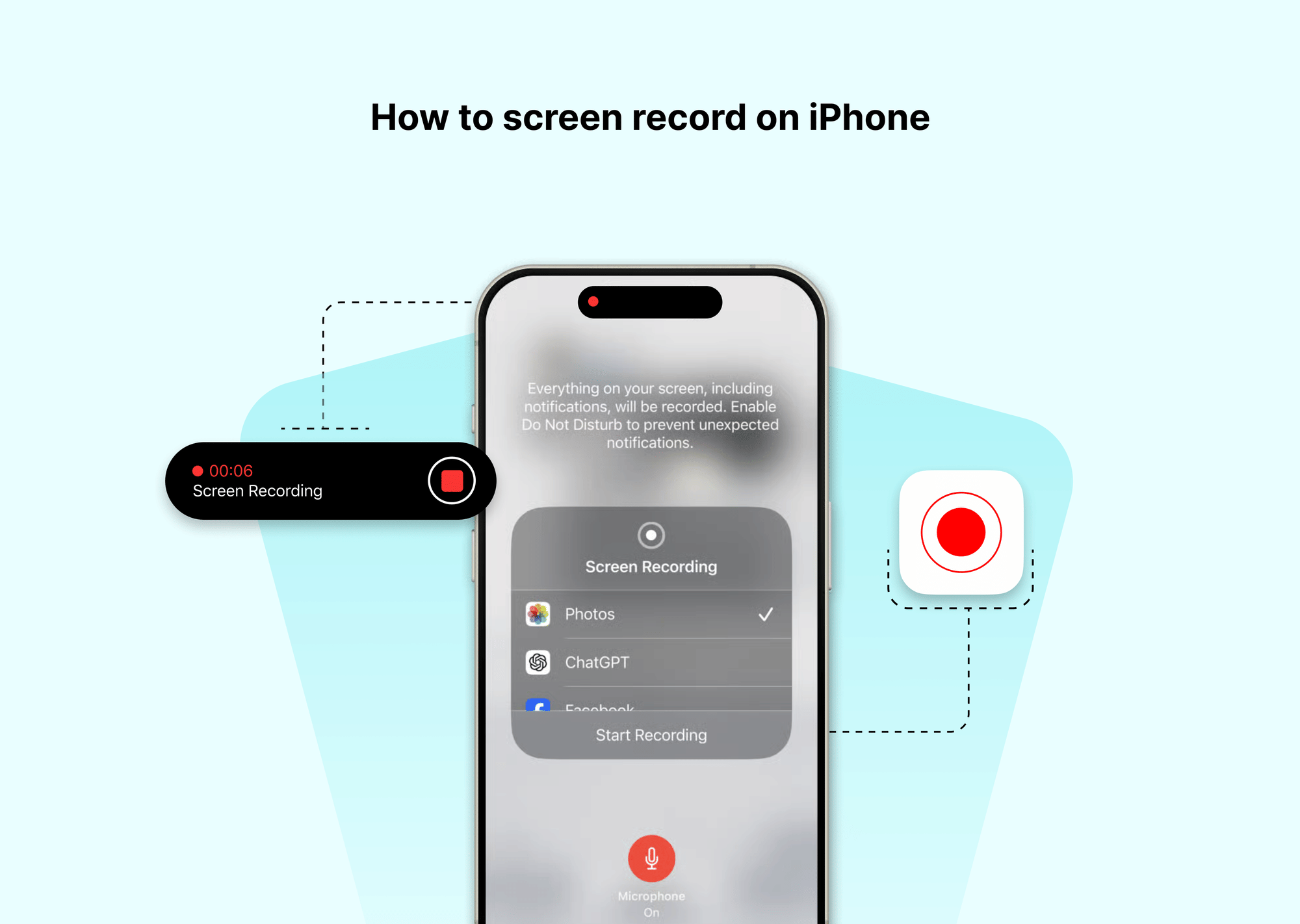
Nothing ruins a product presentation or instructional clip faster than a private text message sliding down from the top edge midway through the take. Because screen recording captures every pixel rendered on the screen, incoming previews, calendar alerts, and sensitive phone calls end up baked straight into your video frame.
To ensure pristine capture, turn on a Focus profile beforehand:
- Open Control Center.
- Tap Focus and choose Do Not Disturb.
- Verify your settings under Settings > Focus > Do Not Disturb to confirm that "Silence Notifications" is set to Always, not just "While iPhone is Locked."
This configuration guarantees that no banner notifications appear while you navigate apps. The Dynamic Island will continue to reflect recording state, but communication banners remain suppressed until you disengage the Focus profile.
Maya is a hardware enthusiast who tests and reviews smart home devices, smartphones, wearables, and audio gear. She focuses on practical consumer value and build quality.
