Minecraft Locator Bar Explained: How to Use, Configure, and Read Navigation Cues
 By Marcus Vance
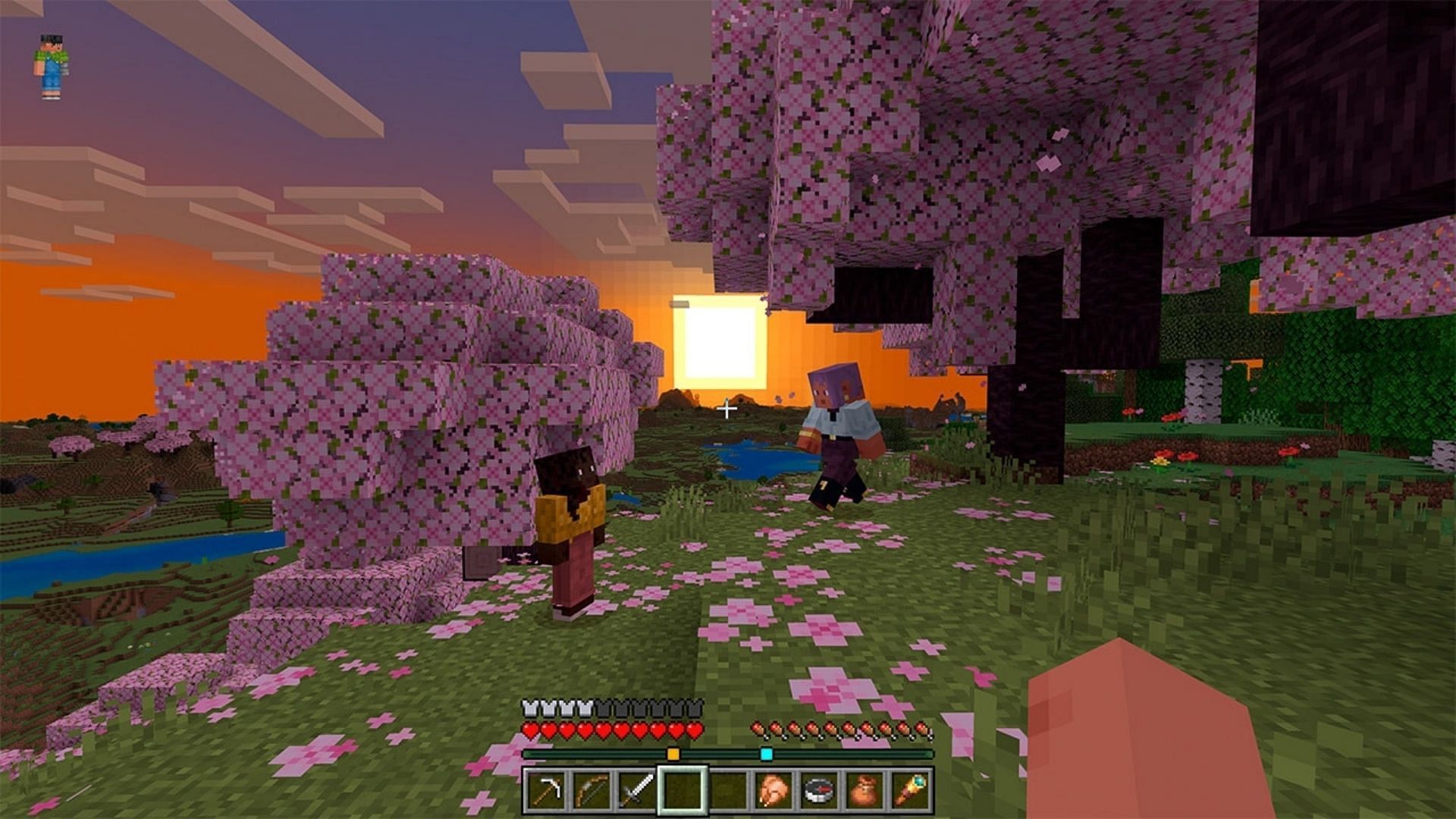
The introduction of the locator bar marks a distinct shift in how players interact with their environments and each other. By bringing navigational cues out of hidden debug screens and into the primary head-up display, routine exploration becomes smoother and far less disruptive for casual groups. At the same time, deep customization hooks allow server architects to preserve tension by restricting tracking or styling it to suit competitive faction warfare.
Balancing these settings comes down to the experience your group wants to build. Whether you rely on clean, color-coded chevrons to orchestrate complex cave expeditions or choose to wipe the overlay entirely for unassisted survival, understanding how the interface routes positional data keeps you firmly in command of your world. Check your realm configurations, assign your squad colors, and choose the visual balance that best fits your journey ahead.
Marcus Vance is a cybersecurity auditor and technology writer dedicated to educating the public about online safety, data privacy regulations, enterprise security, and emerging cyber threats.
