How to Diagnose and Resolve Screen Spots: the Complete Panel Troubleshooting Guide
 By David Miller
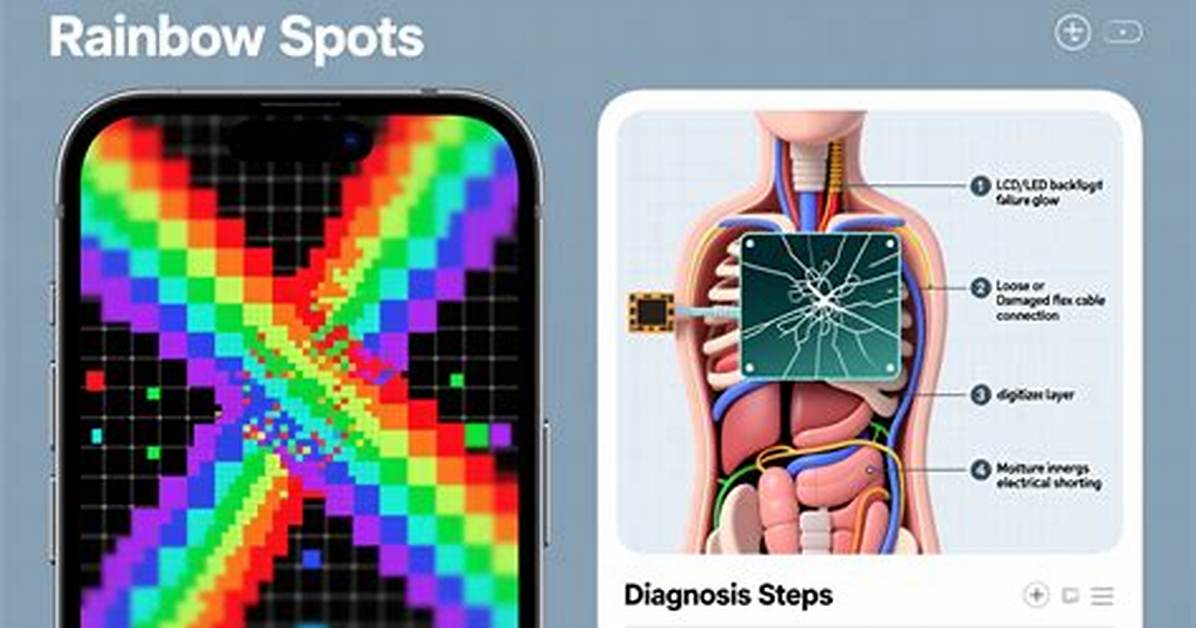
Edges and corners present unique failure modes. Liquid crystal displays rely on an LED array positioned along the edge or directly behind a stack of optical films. When assembly clips pinch the frame unevenly, LCD backlight bleed occurs. This shows up as yellowish or cool white light pooling along the outer bezels, visible almost exclusively on pure black backgrounds in a dark room. While distracting, backlight bleed does not distort actual colors on brighter content and rarely degrades over time.
True internal optical damage looks very different. Displays utilize microscopic prism sheets and diffusion plates to spread LED point-source light uniformly across millions of pixels. Exposure to localized heat from an internal power supply, liquid ingress, or manufacturing adhesive defects leads to diffuser sheet damage. This manifests as mottled, cloud-like bright splotches or permanent ripple textures floating behind the rendered image. Unlike software glitches, these bright spots remain fixed regardless of input source or resolution settings.
In humid operating environments or aging laptops, screens also suffer from display panel delamination. Optical clear adhesive bonds the outer protective glass, the touch digitizer, and the polarizing film. When this adhesive degrades, air pockets or moisture enter the vacuum. The result is a series of creeping, milky-white, or brownish-yellow border stains that spread inward from the display perimeter over several months.
David Miller brings 15 years of experience in global economics, personal finance strategy, and market dynamics. He specializes in turning complex economic trends into actionable insights for everyday readers.
