How to Block Someone on Tiktok: the Ultimate Step-by-Step Privacy Playbook
 By Robert Thorne
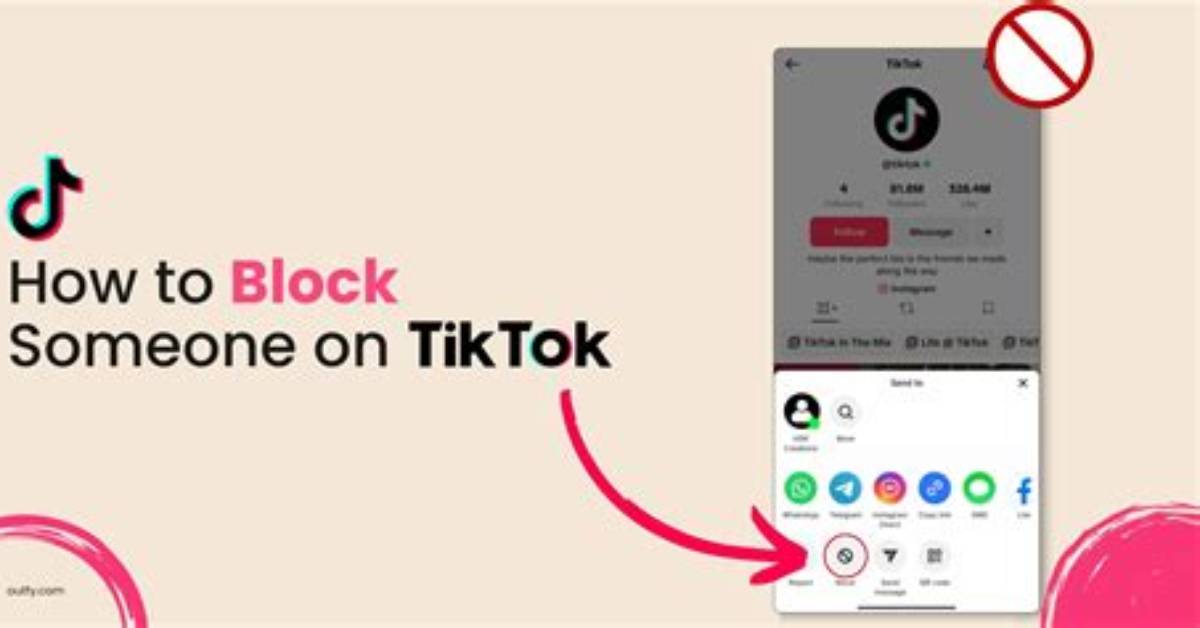
Q1: Can blocked accounts see your profile through search or web browsers?
A1: Inside the TikTok mobile app, a blocked user searching for your account will see an empty results screen or a profile labeled "User not found." However, if your account is public, any person can view your uploads by opening TikTok in an incognito web browser without signing in. Switching your profile to private remains the only absolute defense against web-based viewing.
Q2: Will someone know immediately that I blocked them?
A2: No. TikTok does not issue notifications, direct alerts, or system banners when you block someone. The individual will only suspect a block if they specifically visit your profile and notice that your follower counters, bio, and published clips are no longer accessible.
Q3: How many accounts can you bulk block at once on TikTok?
A3: You can bulk moderate and block up to 100 accounts at a time directly through the comment section of any published video. Press and hold any comment, select "Manage multiple comments," tap the offending accounts, and select "Block accounts."
Q4: If I unblock someone, do we automatically follow each other again?
A4: No. The blocking action completely severs all underlying social connections. If you choose to unblock an account, both parties must manually navigate to each other's profiles and send new follow requests to restore your previous connection.
Robert Thorne covers electric vehicle innovations, autonomous driving systems, global mobility trends, and automotive engineering developments.
