How Smartphone Flashlight Controls Evolved: from Third-Party Apps to Lock Screen Staples
 By David Miller
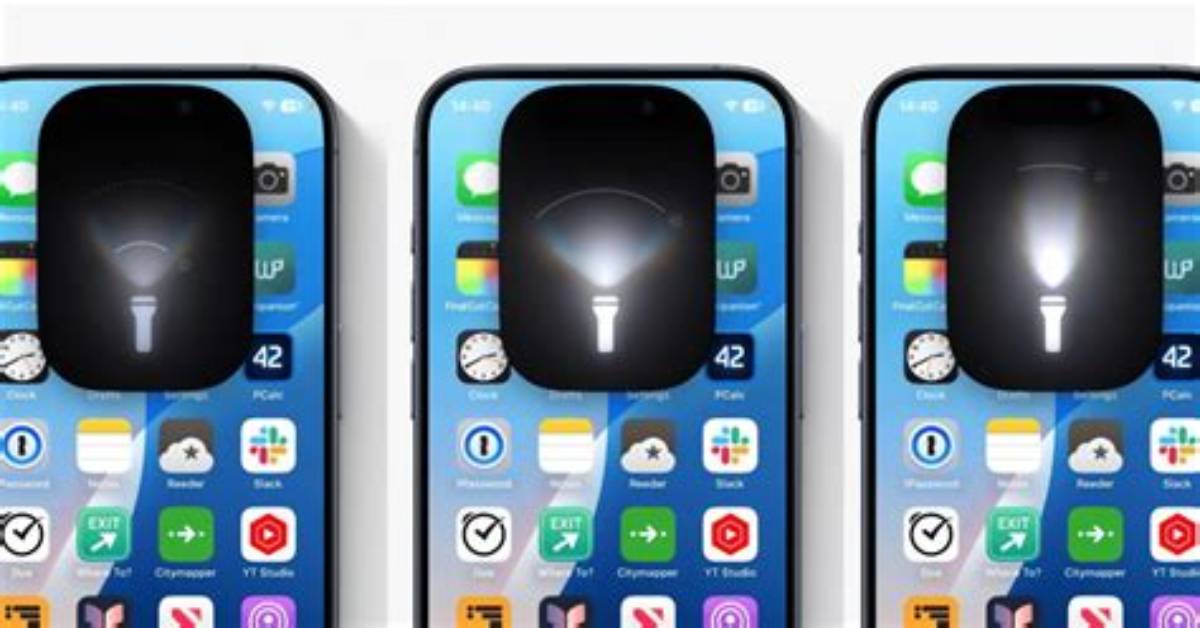
Q1: Why does my flashlight constantly turn on while inside my pocket?
A1: This usually happens because your device's display wakes up via ambient motion, allowing your leg fabric to register as a capacitive tap on the lock screen flashlight shortcut. On Android, confirm that accidental touch protection is enabled under display settings. On an iPhone, disabling the "Raise to Wake" feature in display settings prevents the screen from waking up against clothing.
Q2: Why does my phone flash brightly every time I receive a text message or phone call?
A2: Your device has an accessibility notification feature enabled. To disable it on an iPhone, navigate to Settings > Accessibility > Audio & Visual, and switch off "LED Flash for Alerts." On Android devices, open Settings > Accessibility > Advanced Settings > Flash Notification, and toggle off the camera flash switch.
Q3: Does leaving the phone flashlight on for extended periods damage the hardware?
A3: Modern smartphone LEDs are exceptionally durable, but running them continuously generates substantial heat around the camera sensor and drains the battery rapidly. Operating systems automatically throttle LED brightness or shut the module down completely if internal thermal sensors detect that the handset is exceeding safe operating temperatures.
Q4: Can I remove the flashlight icon from my iPhone lock screen entirely?
A4: Yes. Starting in iOS 18, users can customize the lock screen quick controls. Press and hold your lock screen, tap "Customize," select the Lock Screen layout, tap the minus icon over the flashlight symbol, and replace it with another utility or leave the space blank to eliminate accidental activations.
David Miller brings 15 years of experience in global economics, personal finance strategy, and market dynamics. He specializes in turning complex economic trends into actionable insights for everyday readers.
