Country Code +57 Explained: How to Call, Block, and Verify Colombian Numbers
 By Chloe Bennett
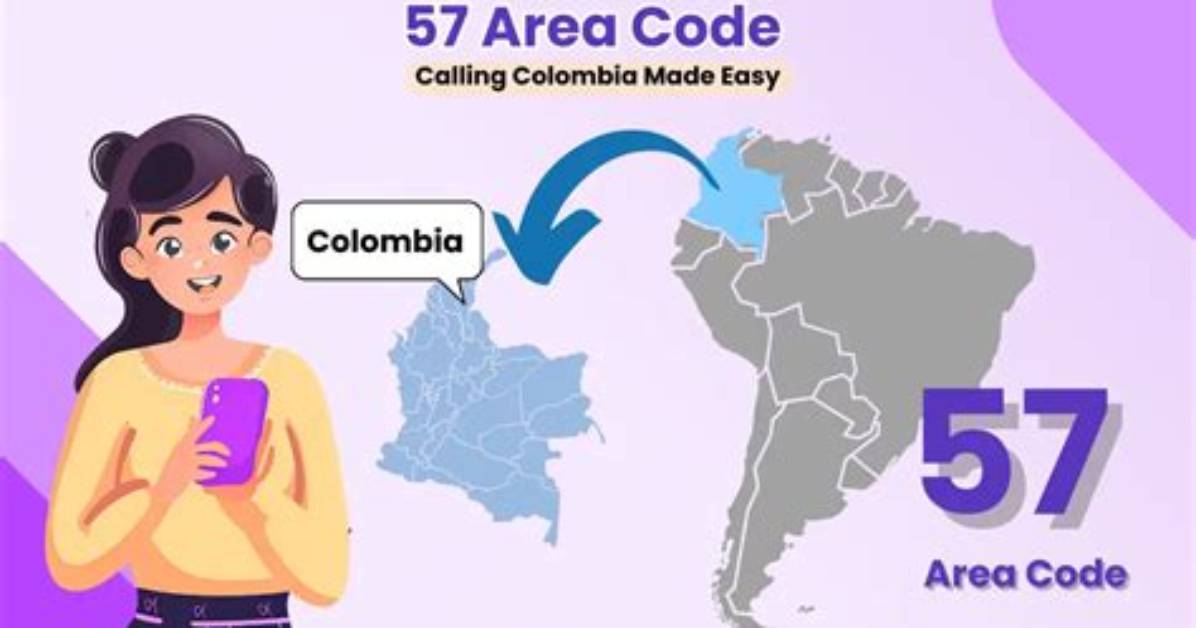
Taking active control over unexpected foreign communications requires configuring native device settings and leveraging carrier-grade filtering features. If you have no personal, professional, or travel ties to Colombia, receiving incoming voice calls or chat invitations from +57 numbers warrants immediate defensive measures.
To implement a direct block on an iPhone, navigate to your recent calls list, tap the information icon beside the +57 caller, scroll down, and select Block this Caller. On Android devices, open the Phone app, access Call History, hold the unfamiliar entry, and designate it as spam. For recurring cold outreach via WhatsApp, tap the sender's top profile banner, scroll to the bottom of their contact information card, and tap Block and Report Contact. Reporting the conversation flags the associated account with Meta's security operations teams, expediting global account bans for spam farms.
Consumers bombarded by repeated automated rings should evaluate call-control utilities such as Truecaller, Hiya, or built-in carrier network shields (like AT&T ActiveArmor, Verizon Call Filter, or T-Mobile Scam Shield). Many third-party utilities allow granular inbound filtering, empowering users to blanket-block all incoming voice routes originating outside their native country code.
Chloe Bennett explores the intersection of pop culture, streaming entertainment, digital trends, and contemporary lifestyle. Her weekly commentary reaches thousands of culture enthusiasts.
