Complete Tiktok Studio Guide: Master Setup, Uploads, and Analytics
 By Chloe Bennett
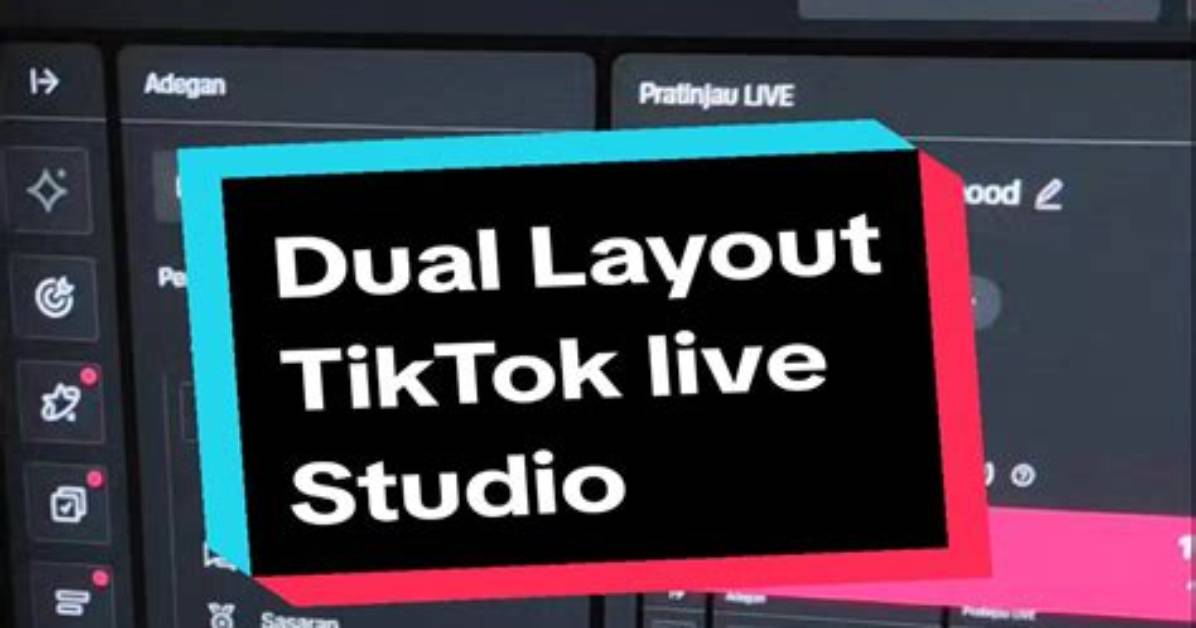
The push toward desktop utility directly mirrors the platform's broader content strategy: longer videos, higher production value, and narrative continuity. Logging into TikTok Studio desktop provides creators with a centralized command center divided into asset management, diagnostic data, audience segmentation, and earnings reports. Rather than tapping through phone sub-menus, producers manage their entire media pipeline from a clean browser dashboard.
Setup begins by linking your core profile through verified desktop credentials. Once authenticated, the workspace defaults to the overview tab, displaying immediate 7-day impressions, profile visits, follower growth velocity, and active comment feeds. The design reduces operational drag. You can moderate community discussions directly from your keyboard, flag spam responses, and pin substantive audience remarks without switching accounts or launching mobile emulators.
Asset handling represents the most immediate functional leap. Native desktop uploads support file sizes up to 10 GB and running times up to 60 minutes in select territories, accommodating uncompressed 4K exports directly from Premiere Pro or DaVinci Resolve. The integrated sound and audio library management panel allows producers to audition commercial sounds, clear usage rights, and sync licensed tracks directly against uploaded cuts before generating timeline drafts.
Chloe Bennett explores the intersection of pop culture, streaming entertainment, digital trends, and contemporary lifestyle. Her weekly commentary reaches thousands of culture enthusiasts.
