Complete Guide to Adding Non-Steam Downloads to Steam Deck with Proton
 By Sarah Jenkins
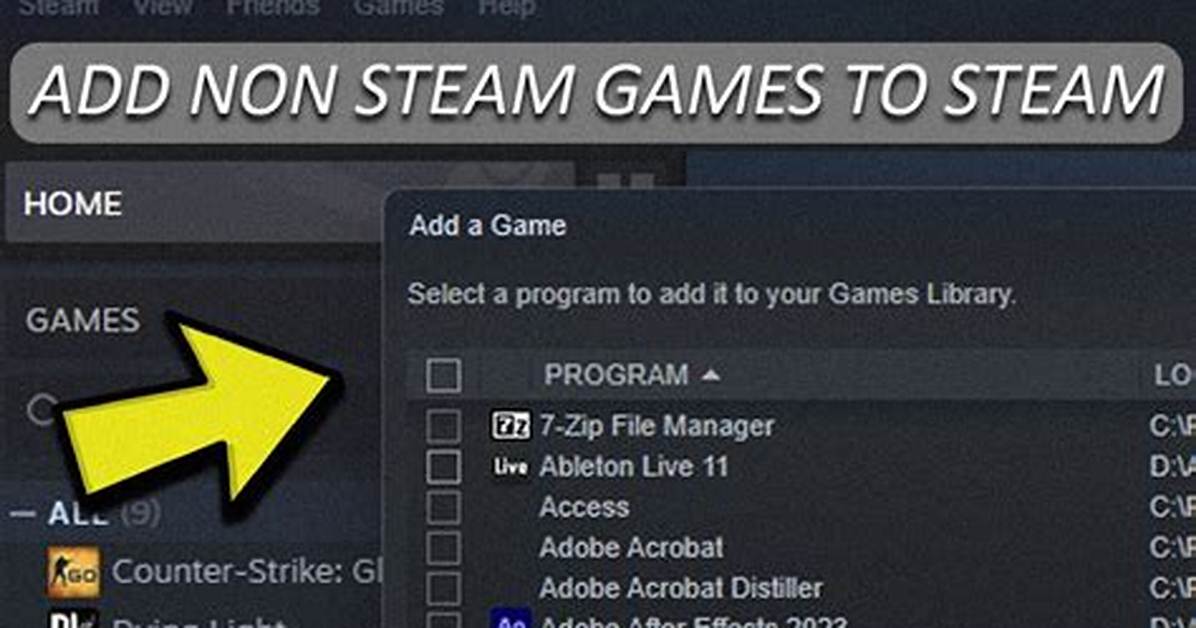
Managing independent PC game archives on the Steam Deck requires working outside the automated systems of primary storefronts. Valve designed SteamOS around openness and modularity, giving players complete access to the underlying Linux environment. While standard catalog downloads handle runtime installation automatically, managing external portable packages simply means handling those steps yourself.
Mastering tools like GE-Proton, Protontricks, and prefix storage unlocks the full capabilities of the handheld hardware. Once directory paths are configured correctly and system runtime dependencies are installed, standalone Windows packages run with the same efficiency, frame stability, and power optimizations as native Steam store releases.
Sarah Jenkins is a veteran tech journalist with over 12 years of experience covering artificial intelligence, mobile innovations, and digital ethics. Her insights have appeared in leading technology publications worldwide.
