Tested: How to Transfer Playlists Between Spotify and Soundcloud
 By Maya Lin-Takahashi
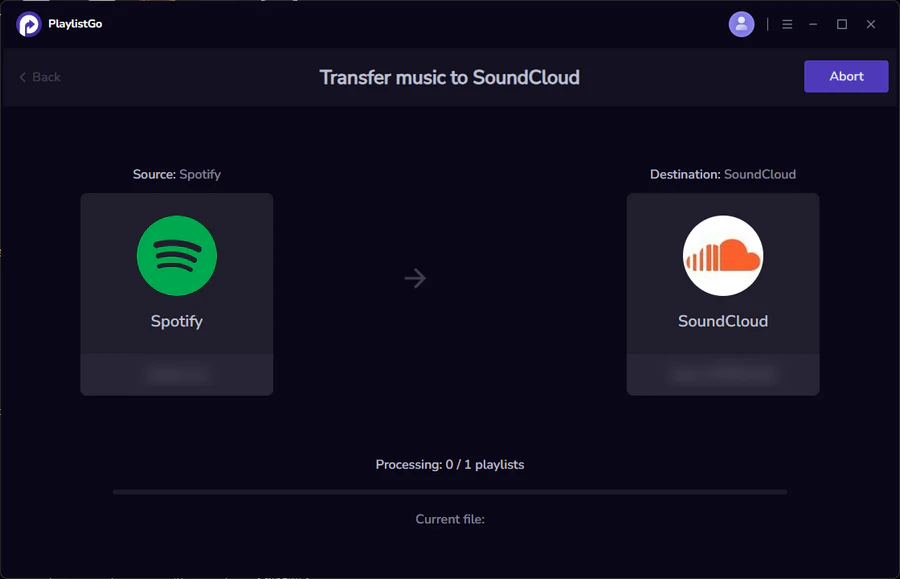
Migrating from SoundCloud back to Spotify presents an inverse problem. If your SoundCloud collection consists primarily of live sets, unreleased remixes, mashups, and white-label DJ releases, Spotify's streaming catalog simply will not contain them.
When running this reverse migration through a playlist converter, typical match rates drop to 40%, 55%. Spotify’s catalog policy strictly forbids unverified, unapproved third-party bootlegs. For tracks that fail matching, you must fall back on Spotify’s local files feature:
- Download the audio file directly from SoundCloud if the creator offers a free direct download link or Bandcamp redirect.
- Store the MP3 or AAC file in a dedicated local music directory on your desktop or laptop.
- Open Spotify Settings, navigate to Local Files, and toggle Show Local Files on.
- Add your dedicated music folder as an active source.
- Create a new playlist containing these local files, and mark it for offline download across your mobile devices on the same local network.
This hybrid approach preserves your mainstream playlist sync while preventing obscure club cuts from disappearing from your daily listening rotation.
Maya is a hardware enthusiast who tests and reviews smart home devices, smartphones, wearables, and audio gear. She focuses on practical consumer value and build quality.
